Services
- Consultancy
- Training
- Networking
- Internet


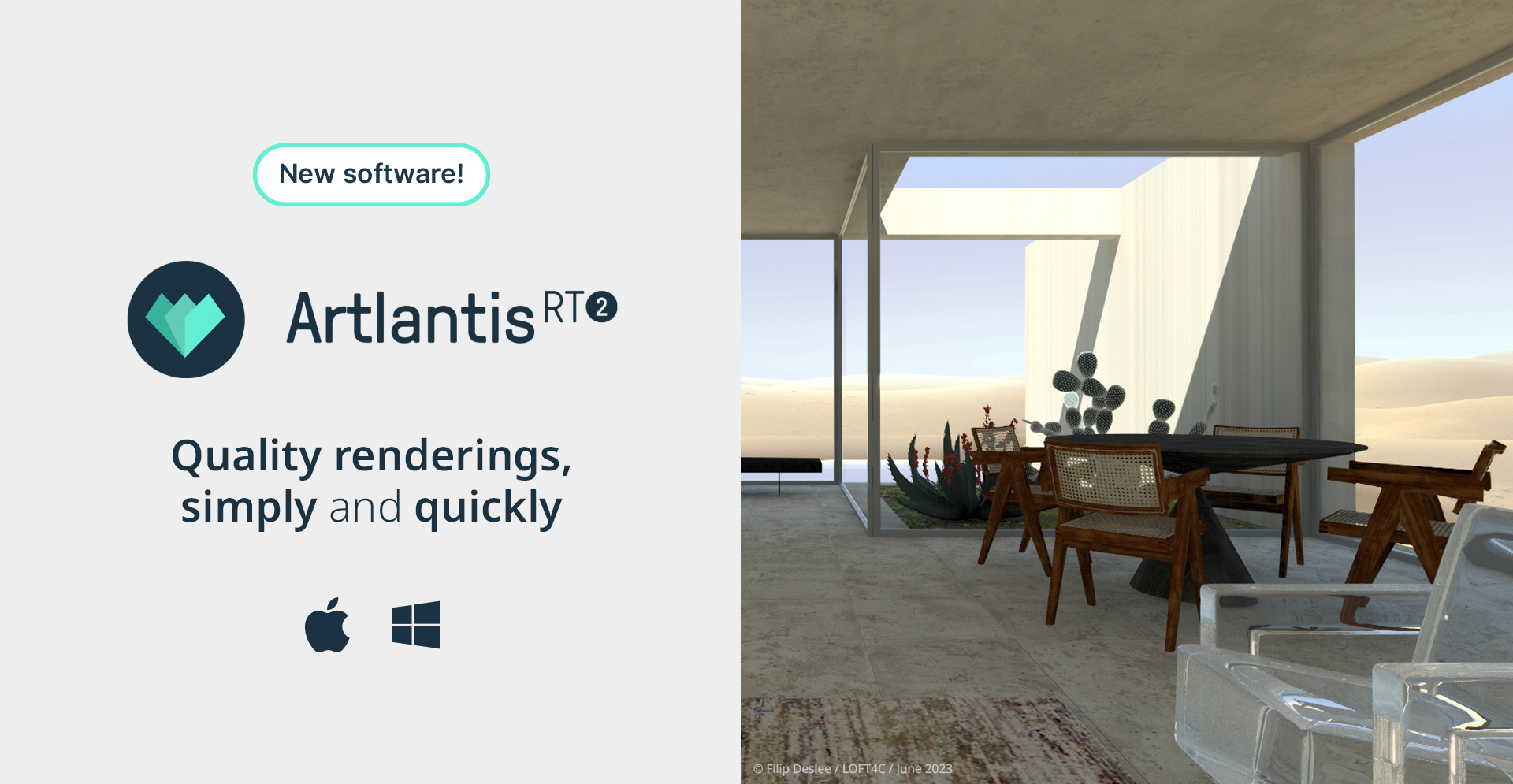
Artlantis
order or info020 8940 4333
click links below to view other new licence pricing pages
new licences
Vectorworks Fundamentals Vectorworks Architect Vectorworks Landmark
Vectorworks Spotlight Vectorworks Design Suite
Vectorworks Subscription (Rental)
Artlantis RT² Artlantis Media
Artlantis Tutorial Manuals Training DVD's On Site Training
SketchUp Pro SketchUp Training
form·Z form·Z RenderZone form·Z Training
Educational Pricing Special Offers Pre-Owned
Artlantis
upgrade pricing
for March 2024
order or info020 8940 4333
click links below to view other upgrade pricing pages
upgrades
Fundamentals upgrades Architect upgrades Landmark upgrades
Spotlight upgrades Design Suite upgrades
Vectorworks Subscription (Rental)
Artlantis RT² Migration from Render or Studio
SketchUp Pro upgrades
form·Z upgrades form·Z RenderZone upgrades
Artlantis RT² feature matrix
new features include ...
Realx-Time…and/or Ray TracingThanks to Real-Time, you can create renderings instantly without spending time on calculation! When opening a 3D scene, navigating, modifying materials, lights, or the 3D environment can be previewed right in the preview window. |
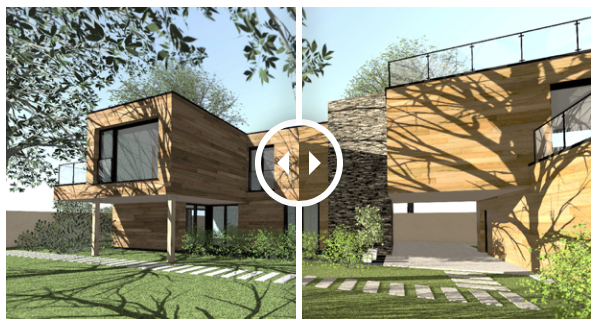 |
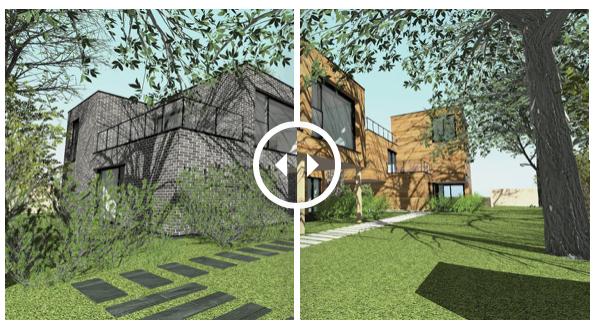
Project variations |
|
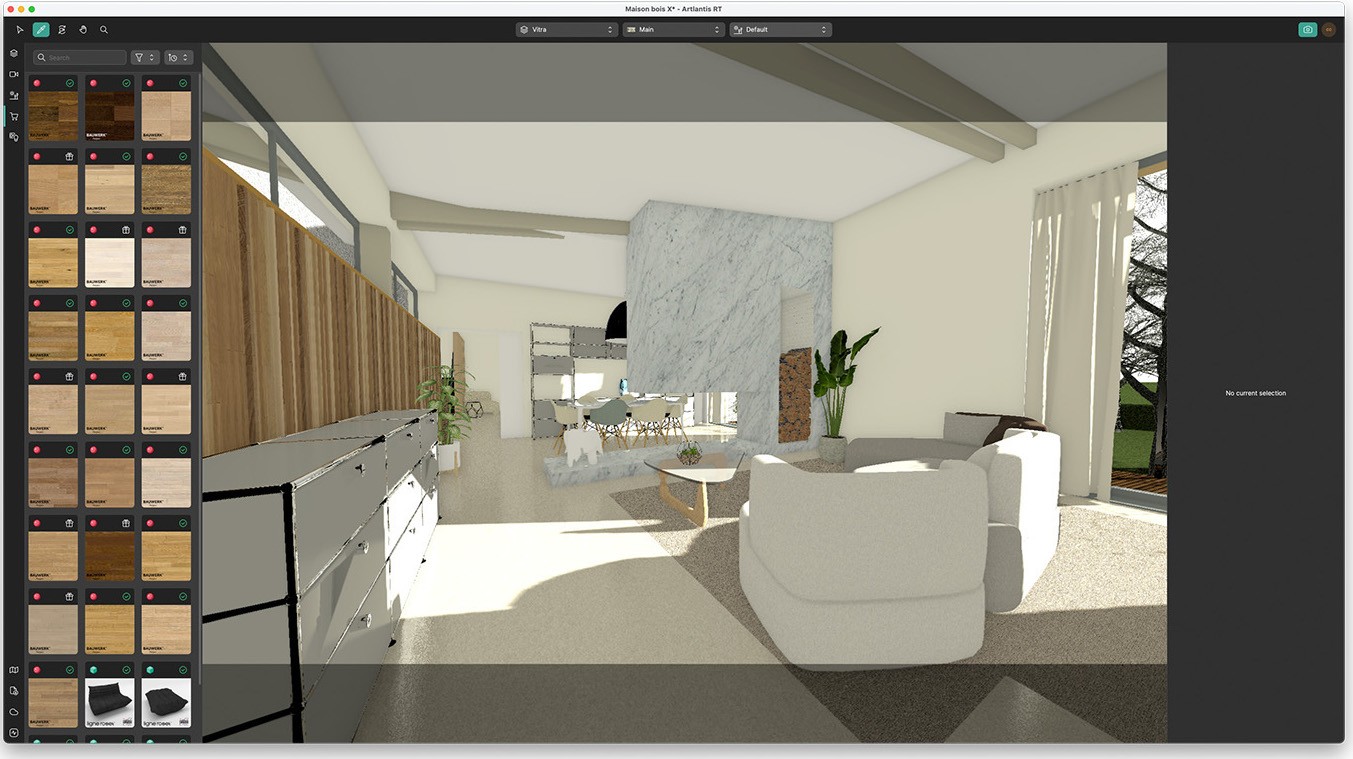
Unlimited access to objects and texturesThe integrated MediaStore offers thousands of ready-to-use 3D items (characters, plants, or different types of objects) and textures. Click on the object of your choice to place it in your scene. The manufacturers validate all branded elements present in the MediaStore: the furniture, for example, is perfectly configured, dimensioned, and textured, allowing you to concentrate on what’s essential: your scene. |
 |
| |
Viewing and sharing projectsGenerate a panorama in Artlantis RT² and bring it to life with iVisit! 1. Import your panorama into iVisit |
Artlantis RT² System Requirements
The following are real-world system recommendations for running Artlantis RT². In some demanding cases, we would suggest a more capable machine than is described by these recommendations. The Artlantis RT² user experience is always improved by faster processors and additional RAM.
| recommended | minimum | |
| Operating System: | macOS Ventura (13.0), macOS 12 (Monterey) and Windows 11 | macOS 10.15 (Catalina) and Windows 10 |
| Processor: | Apple M2, Intel® Core i7, 4+ Cores | Apple M1, Intel® i3 4Core 2GHz |
| RAM: | 32GB | 16GB |
| Graphics Card: | 4GB* OpenGL | 2GB OpenGL |
| Screen Resolution: | 1900 x 1080 | 1280 x 800 |
| Input Device: | Three button, Scrollable mouse | |
| Activation: | Internet access | Internet access |
*Intergrated chipsets are not supported
errors & omissions excepted
new licences
Vectorworks Fundamentals Vectorworks Architect Vectorworks Landmark
Vectorworks Spotlight Vectorworks Design Suite
Vectorworks Subscription (Rental)
Artlantis RT² Artlantis Media
Artlantis Tutorial Manuals Training DVD's On Site Training
SketchUp Pro SketchUp Training
Educational Pricing Special Offers Pre-Owned
upgrades
Fundamentals upgrades Architect upgrades Landmark upgrades
Spotlight upgrades Design Suite upgrades
Vectorworks Subscription (Rental)
Artlantis RT² Migration from Render or Studio
SketchUp Pro upgrades
form·Z upgrades form·Z RenderZone upgrades
on the website we show only the most commonly requested new licence pricing if your requirements are not covered here please call faCADe
*prices and specifications subject to change without notice, eligibility for reduced subscription pricing dependent on ownership of qualifying existing licence
- faCADe Ltd
- Suite 102
- Diamond House
- 179-181 Lower Richmond Road
- Richmond
- Surrey
- TW9 4LN
- United Kingdom
- Company Registration Number 112 04876
- VAT Number GB 290 1527 15