Services
- Consultancy
- Training
- Networking
- Internet

click on a module name below to go to the relevant new licence pricing page
Trimble SketchUp Pro
SketchUp Pro 2023
New Subscriber Pricing
new licence pricing available for March 2024
order or info020 8940 4333
new licences
Vectorworks Fundamentals Vectorworks Architect Vectorworks Landmark
Vectorworks Spotlight Vectorworks Design Suite
Vectorworks Subscription (Rental)
Artlantis RT² Artlantis Media
Artlantis Tutorial Manuals Training DVD's On Site Training
SketchUp Pro SketchUp Training
form·Z form·Z RenderZone form·Z Training
Educational Pricing Special Offers Pre-Owned
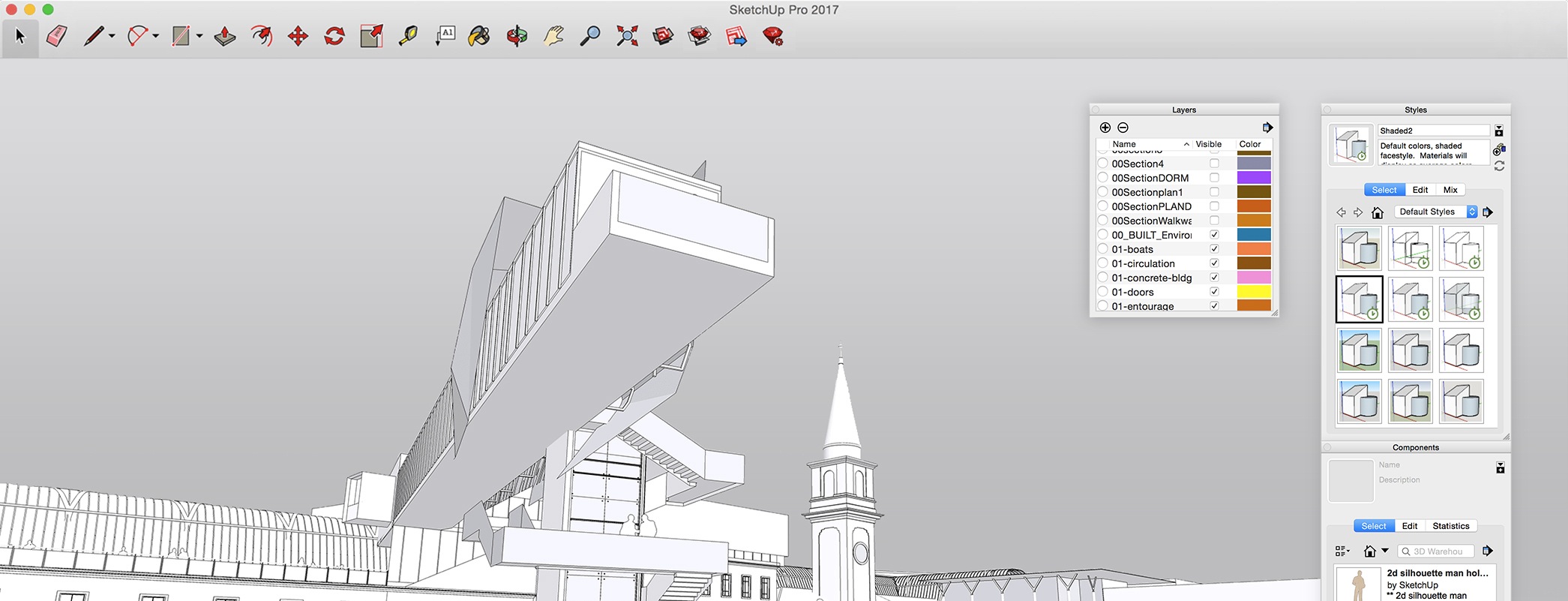
Trimble SketchUp Pro 2023
Make everything easier
No one wants to waste time learning complicated computer programs. SketchUp is hands-down the most intuitive, not to mention powerful, easy-to-learn 3D drawing tool on the planet. If you want to be productive within a couple of hours, you’ve come to the right place.
|
 |
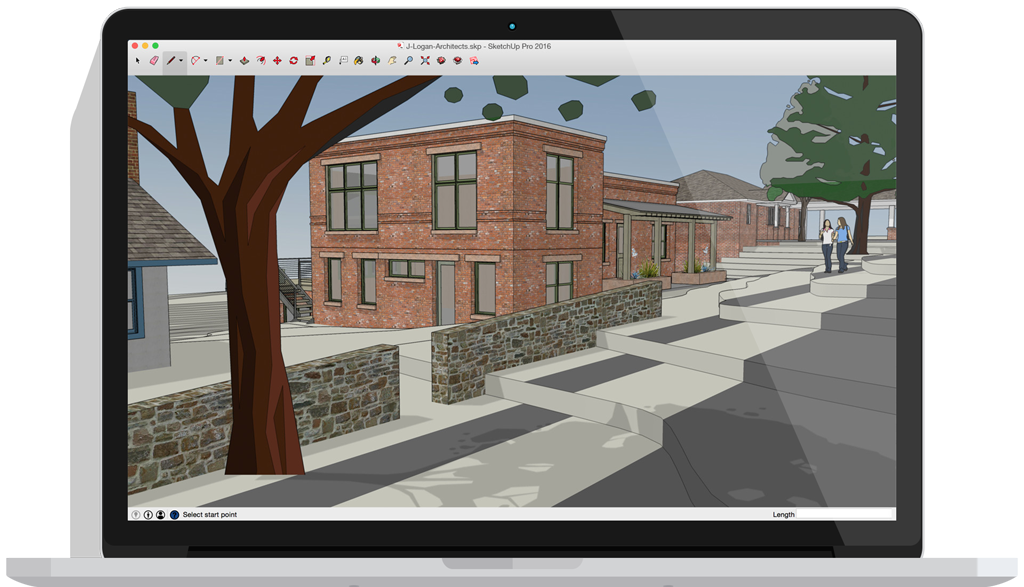
Get good, fast |
| Whoever asked for complicated CAD software? SketchUp is hands-down the most intuitive and easy-to-learn 3D drawing tool around. | ||
 |
Think by drawing in 3D | |
| SketchUp is designed to behave like an extension of your hand, so you can draw whatever you want, however you want. | ||
 |
Create accurate, highly-detailed models | |
| SketchUp is accurate to a thousandth of an inch, so you can design, specify, and plan with as much or little detail as you need. | ||
 |
||
 |
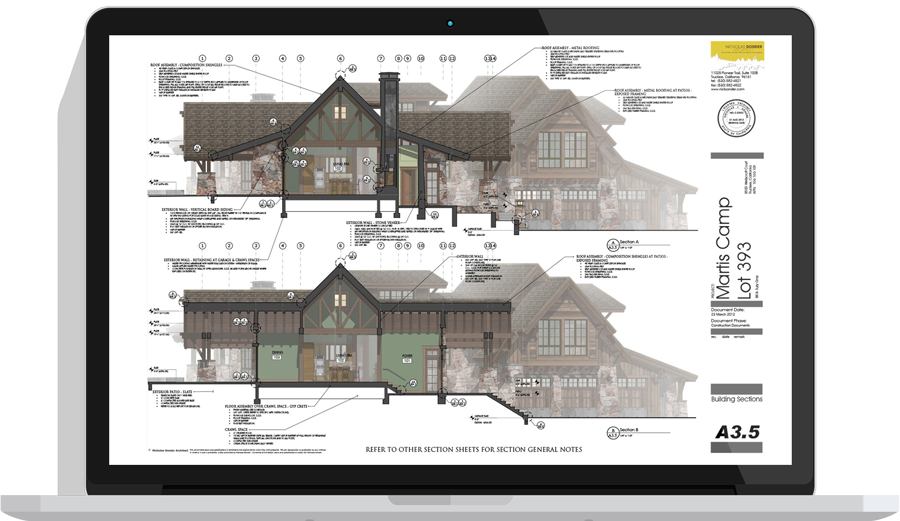
Produce scaled, accurate drawings | |
| SketchUp isn’t just for 3D models. Draw plans, elevations, details, title blocks and a lot more with LayOut. When your model changes, so does your document. Simple. | ||
 |
Generate presentation documents | |
| With LayOut, you’re equipped for page design, drafting, vector illustration and slide presentations: everything you need to explain everything. | ||
 |
Create compelling walkthroughs | |
| Use SketchUp Pro to turn your models into animated walkthroughs and flyovers that explain every detail. |
| Simple is powerful | |||||
|
|||||
 |
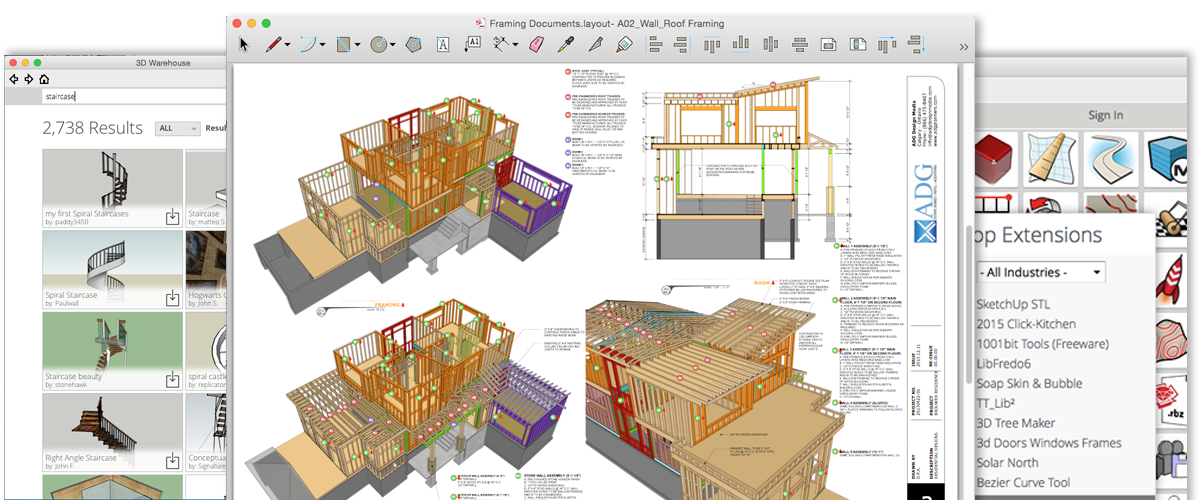
Find a 3D model of anything | |
Turn models into documents |  |
Customize your SketchUp |
| Need an oven for the kitchen you’re designing? An automobile for your driveway? A rhino for your zoo? Find it all in 3D Warehouse, the world’s biggest library of free 3D models. | Eventually, some 3D models grow up to become professional 2D drawing sets. LayOut in SketchUp Pro helps you showcase your models and create drawings you’ll be proud of. | SketchUp extensions are add-on tools that solve 3D modeling problems which might otherwise leave you scratching your head. And there are hundreds of them to explore. | |||
System Recommendations
The following are real-world system recommendations for running SketchUp Pro 2023. In some demanding cases, we would suggest a more capable machine than is described by these recommendations. Some SketchUp features require an active internet connection. The SketchUp Pro user experience is always improved by faster processors, video card and additional RAM.
| Supported Operating Systems: | macOS Ventura (13.0), macOS Monterey (12.0) and macOS Big Sur (11.0) Neither Boot Camp nor Parallels are supported environments. macOS Catalina (10.15) and earlier operating systems are not supported |
| Other Software: | QuickTime 5.0 or above and web browser for multimedia tutorials |
| Processor: | 2.1+GHz Intel™ processor; Apple Silicon M1 processor support |
| RAM: | 8Gb RAM; 4Gb RAM minimum |
| Hard-Drive Space: | 1GB HDD or SDD space; 500Mb minimum |
| Video Card: | 3D class Video Card with 1Gb RAM (OpenGL 3.1 or higher); 512Mb RAM or higher (OpenGL 3.1 or higher) minimum |
| Input Device: | 3 button, scroll-wheel mouse |
| Operating System: | Windows 11 (64bit), Windows 10 (64bit) are supported. Windows 8+ (64bit) and Windows 7+ (64bit), Windows Vista & Windows XP are no longer supported. |
| Other Software: | Microsoft® Internet Explorer 9.0 or higher Trimble SketchUp Pro requires .NET Framework version 4.5.2 |
| Processor: | 2+GHz processor; 1GHz processor minimum |
| RAM: | 8Gb RAM; 4Gb RAM minimum |
| Hard-Drive Space: | 700Mb available harddisk space; 16Gb free harddisk space minimum |
| Video Card: | 3D class Video Card with 1Gb RAM (OpenGL 3.1 or higher); 512Mb RAM or higher (OpenGL 3.1 or higher) minimum |
| Input Device: | 3 button, scroll-wheel mouse |
Note: Trimble SketchUp will run on multiple-processor machines; however, Trimble SketchUp will only use one processor. Trimble SketchUp doesn't support hyperthreading or multithreading at this time. Trimble SketchUp Pro is now a 64bit application.
click on a product name below to go to the relevant upgrade and trade up pricing page
Trimble SketchUp
upgrade + trade up pricing
for March 2024
order or info020 8940 4333
errors & omissions excepted
new licences
Vectorworks Fundamentals Vectorworks Architect Vectorworks Landmark
Vectorworks Spotlight Vectorworks Design Suite
Vectorworks Subscription (Rental)
Artlantis RT² Artlantis MediaArtlantis Tutorial Manuals Training DVD's On Site Training
SketchUp Pro SketchUp Training
Educational Pricing Special Offers Pre-Owned
upgrades
Fundamentals upgrades Architect upgrades Landmark upgrades
Spotlight upgrades Design Suite upgrades
Vectorworks Subscription (Rental)
Artlantis RT² Migration from Render or StudioSketchUp Pro upgrades
on the website we show only the most commonly requested new licence pricing if your requirements are not covered here please call faCADe
*prices and specifications subject to change without notice, eligibility for reduced subscription pricing dependent on ownership of qualifying existing licence
- faCADe Ltd
- Suite 102
- Diamond House
- 179-181 Lower Richmond Road
- Richmond
- Surrey
- TW9 4LN
- United Kingdom
- Company Registration Number 112 04876
- VAT Number GB 290 1527 15